Method 1: Digital Wellbeing (Android 9.0+)
1
Open Settings
2
Tap Digital Wellbeing
3
Tap Bedtime Mode
4
Enable Grayscale
5
Set your schedule
6
Done! Your screen is gray
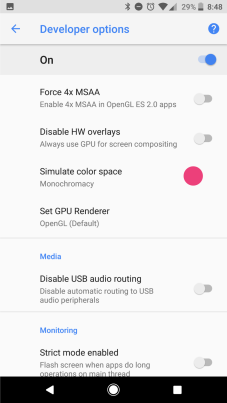
Method 2: Developer Options (Android 5.0–8.0)
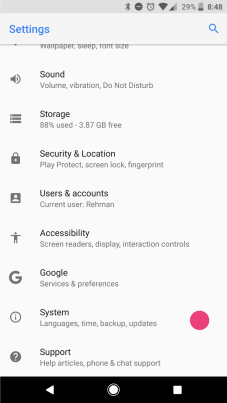
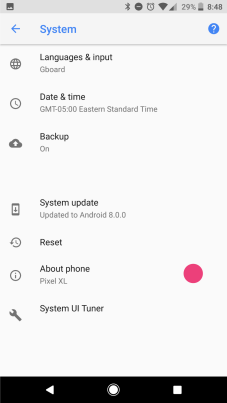
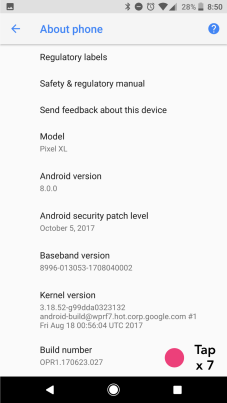
- Go to Settings → About Phone → tap Build Number 7 times
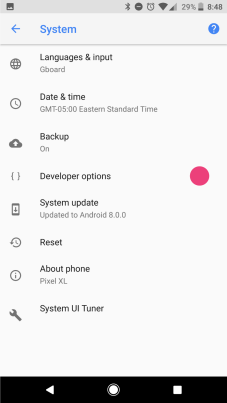
- Go back to Settings → Developer Options
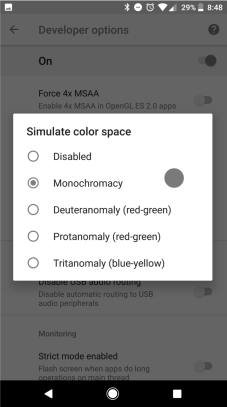
- Find "Simulate color space"
- Select "Monochromacy"
Samsung Devices
- Go to Settings → Accessibility
- Tap Visibility Enhancements
- Tap Color Correction
- Select Grayscale